Building Viz Night Studio with Claude Code
How this site went from a brief to a cinematic 3D studio in a few days of conversation: the prompts, the decisions, what got tried and cut, and what the AI suggested along the way.
- Total prompts: 37 (typed by Louis, excluding multiple-choice answers)
- Claude token cost: ≈ $77 (API-equivalent, Claude Opus 5.5)
- Higgsfield credits: 170 (of a 3,000-credit balance)
- Total time spent: ≈ 5.5 h (active, across two days)
1. A black hole, a wormhole and a solar system
Before writing code, Claude ran a round of multiple-choice questions to pin down scope: visual style, mobile priority, where content lives, the framework, routing, the intro behaviour and hosting. The plan was real-time WebGL (React Three Fiber + hand-written GLSL shaders), not pre-rendered video, because hover reactions and continuous camera flights can't be baked into a clip.
- Prompt: Cinematic real-time 3D; the pixel logo stays in the UI layer only.
- Prompt: Desktop-first, content in local JSON, Vercel hosting, intro on the first visit with a skip button.
- Claude's decision: Generative AI for raw material only (textures, sprites, concept art), with all motion done live in shaders.
- Human's override: Asked whether a single page was needed for seamless animation; Claude explained one persistent canvas plus real URLs gives both, and Louis chose that.
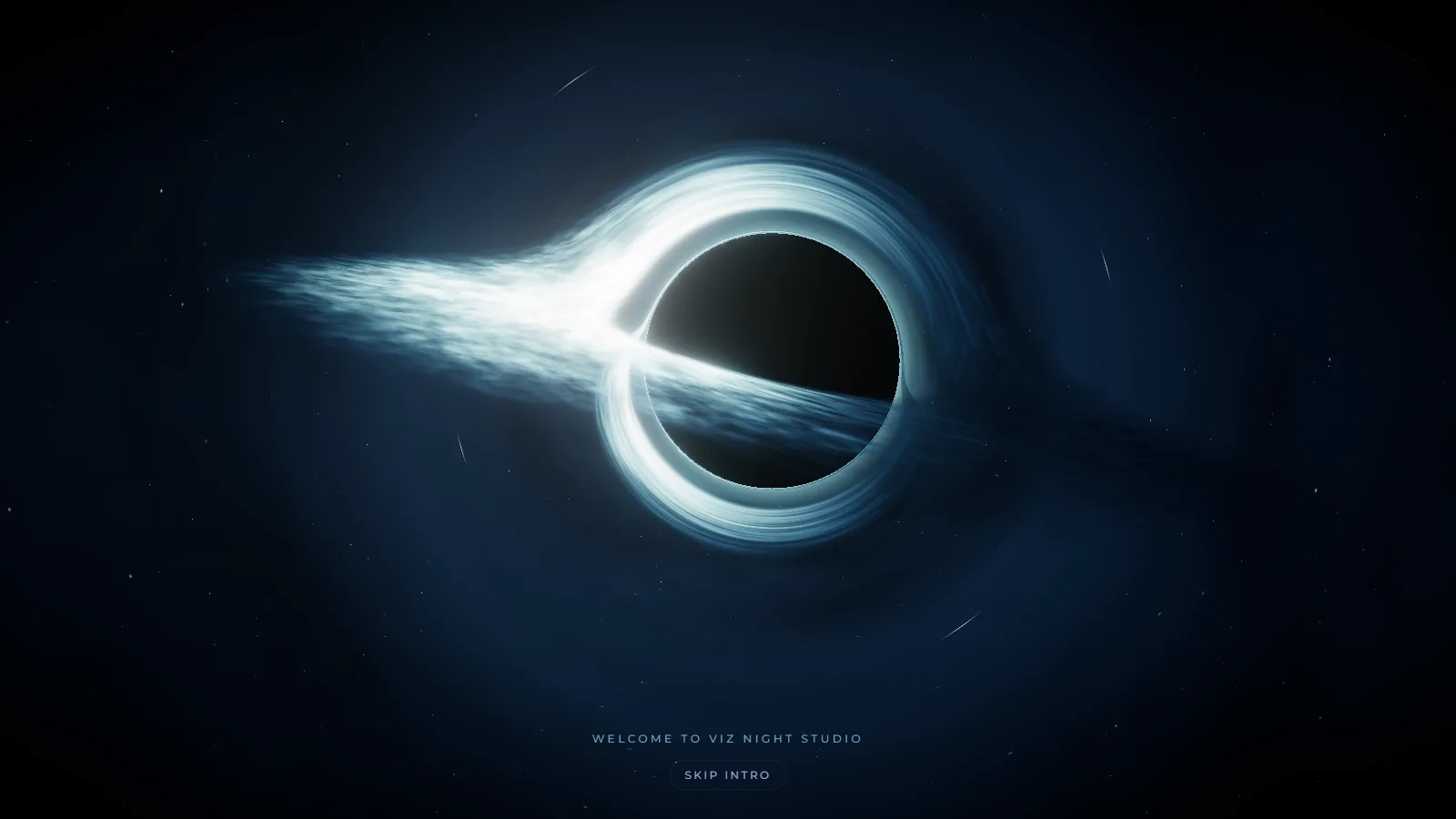
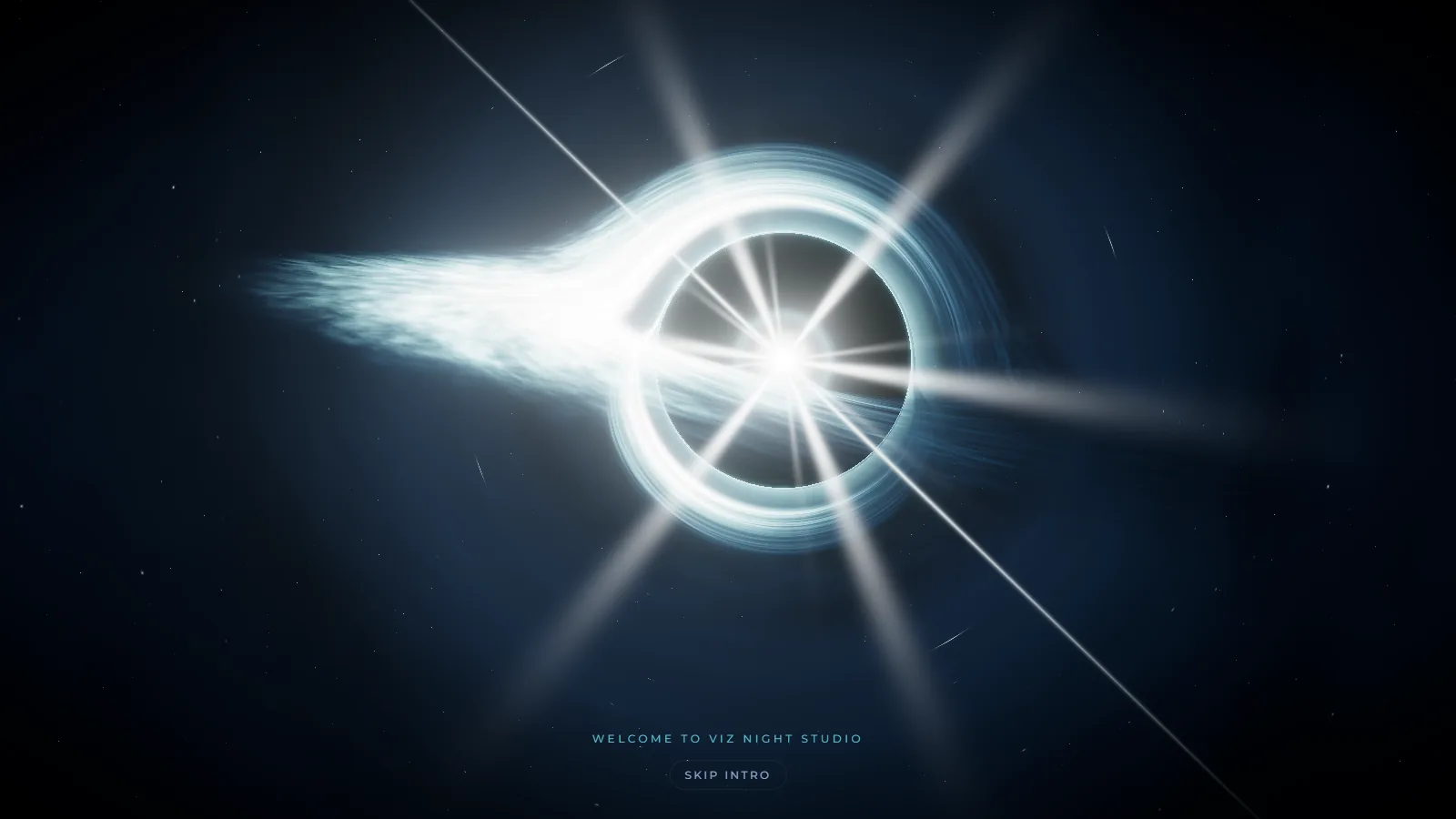
What was the original vision, and why a space journey for a dataviz studio?
The most important skill you need in an AI workflow is the ability to communicate what you want. The visual design for the brand was very clear in our heads so we had to write down as much detail as we could in a formatted structure (using # and - which are pretty standard in Markdowns and YAML), as well as providing references to what we were looking for. The AI doesn't know taste, but they can pick up themes and components from what we gave them.
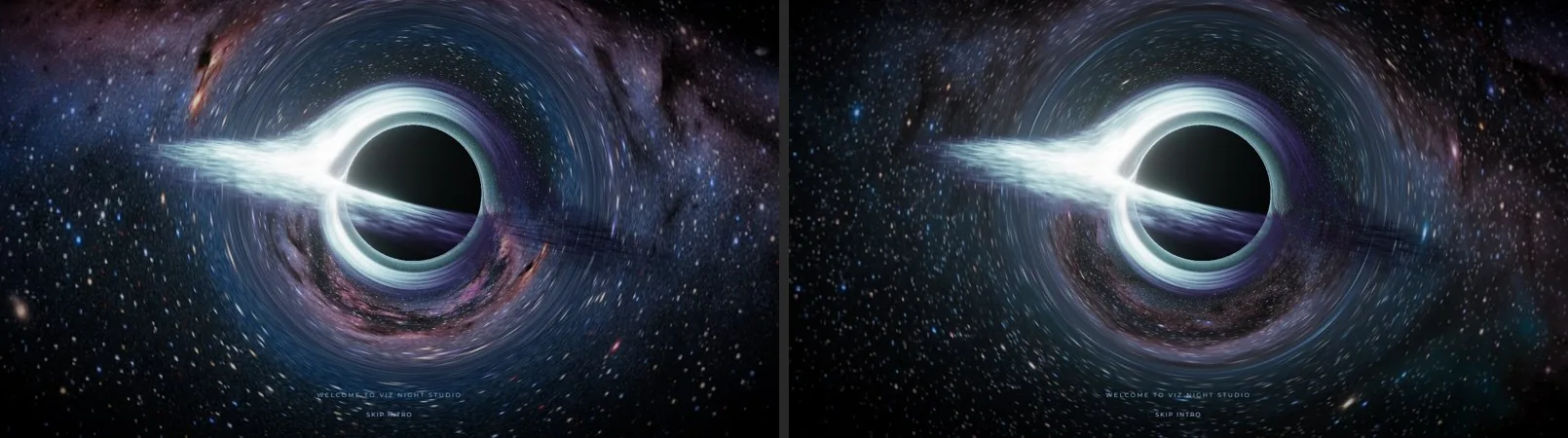
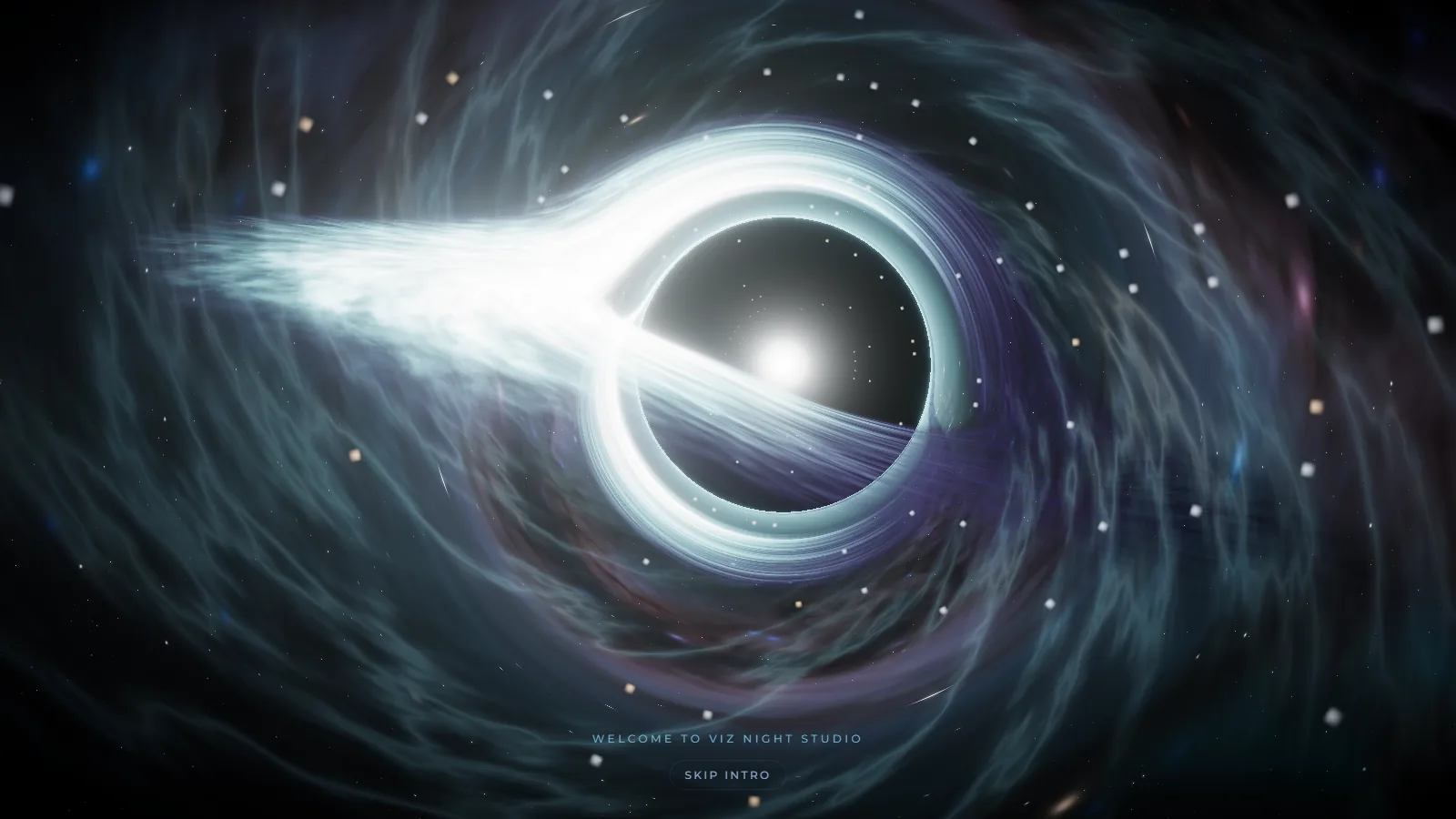
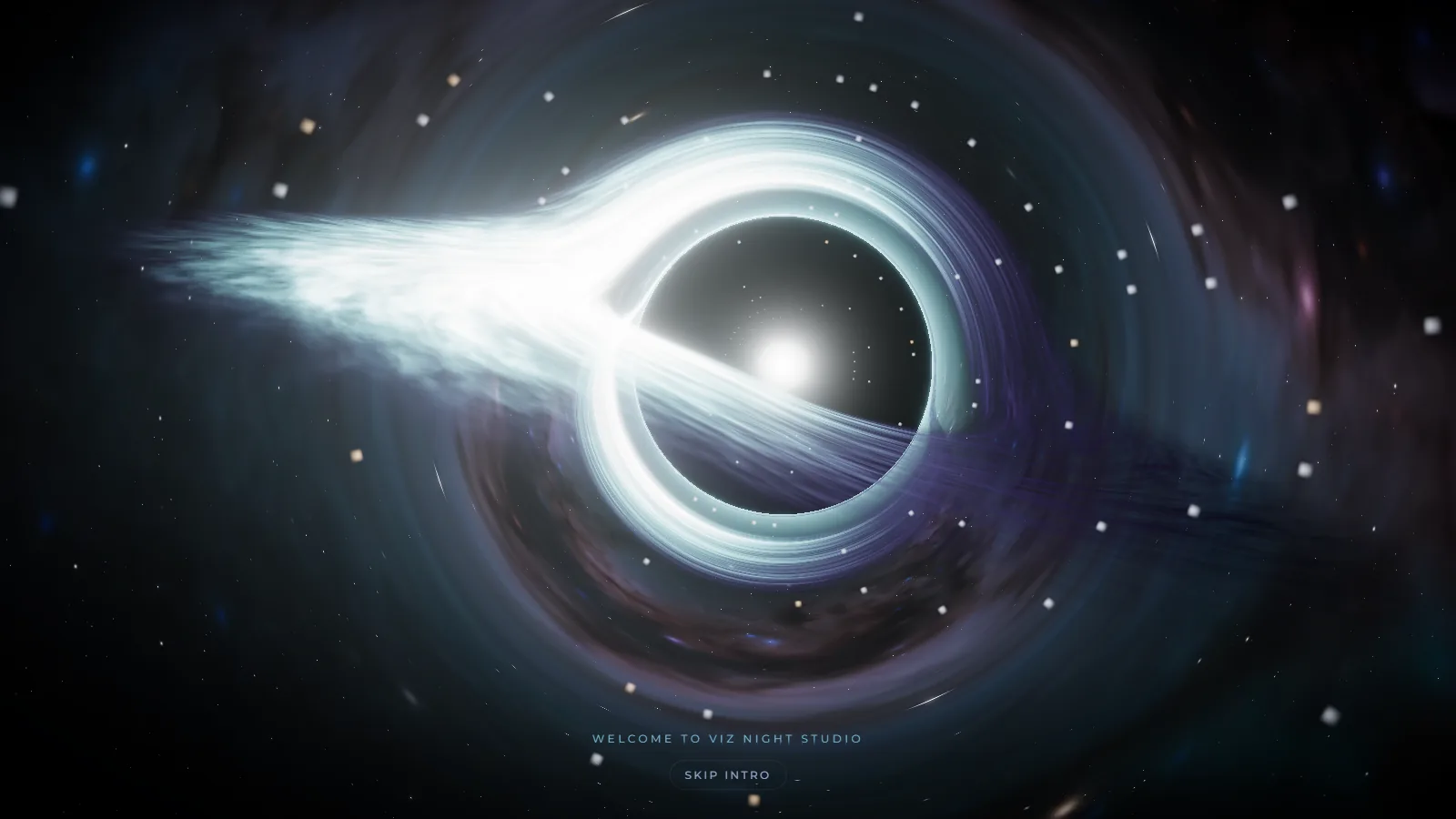
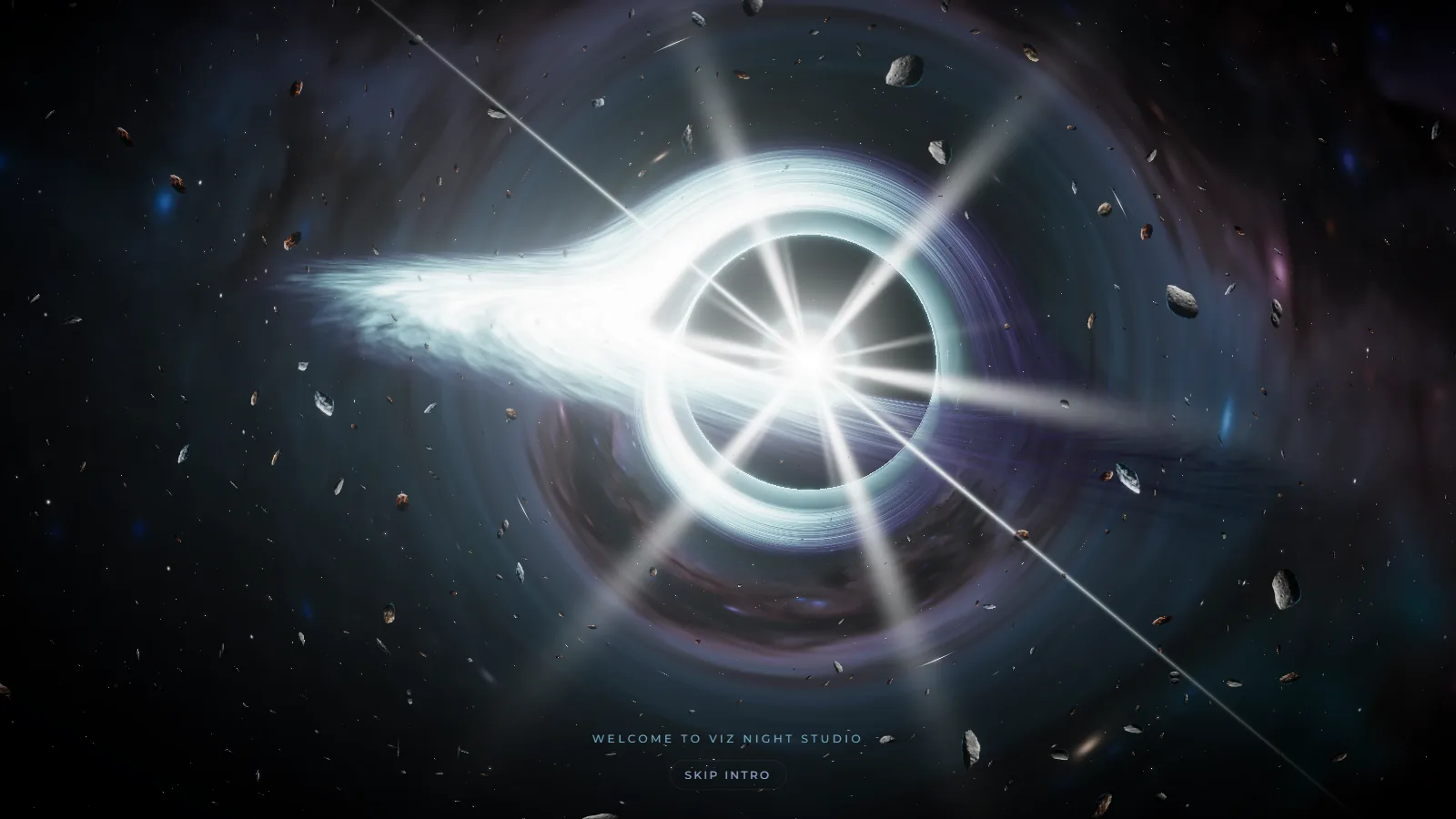
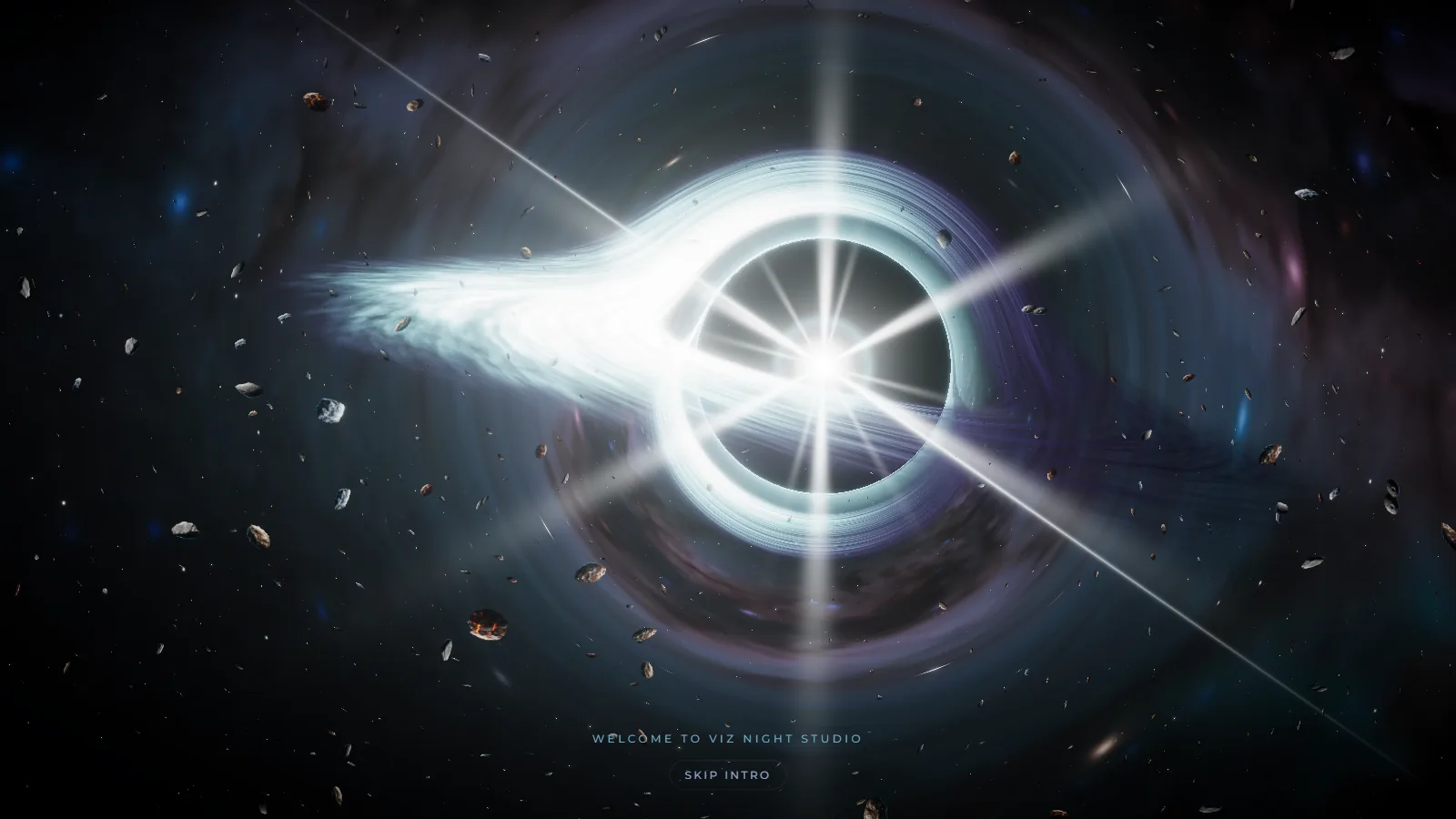
A good prompt will get you 80% there, as you can see from the screenshots of the black hole.
2. Two rounds of feedback before a single texture
The vertical slice (landing → wormhole → system → one page) shipped first, then got refined in fast loops. Every change was verified by scripting a headless Chrome on the real GPU: screenshots, frame-rate checks, and numeric tests such as measuring each moon's roundness after the fix (1.000 at three screen sizes).
- Human's override: Earth was showing behind the nav on moon pages. Claude offered three fixes; Louis's own idea, hiding the other planets on a page, was cleaner than all of them.
- Claude's decision: Perfectly round moons need the camera pointed straight at them, with the image slid sideways via a lens shift, instead of a narrower field of view (which only reduces the stretch).
- Claude's decision: Documentation (CLAUDE / PROGRESS / DESIGN) plus a private GitHub repo, so the work survives the conversation.
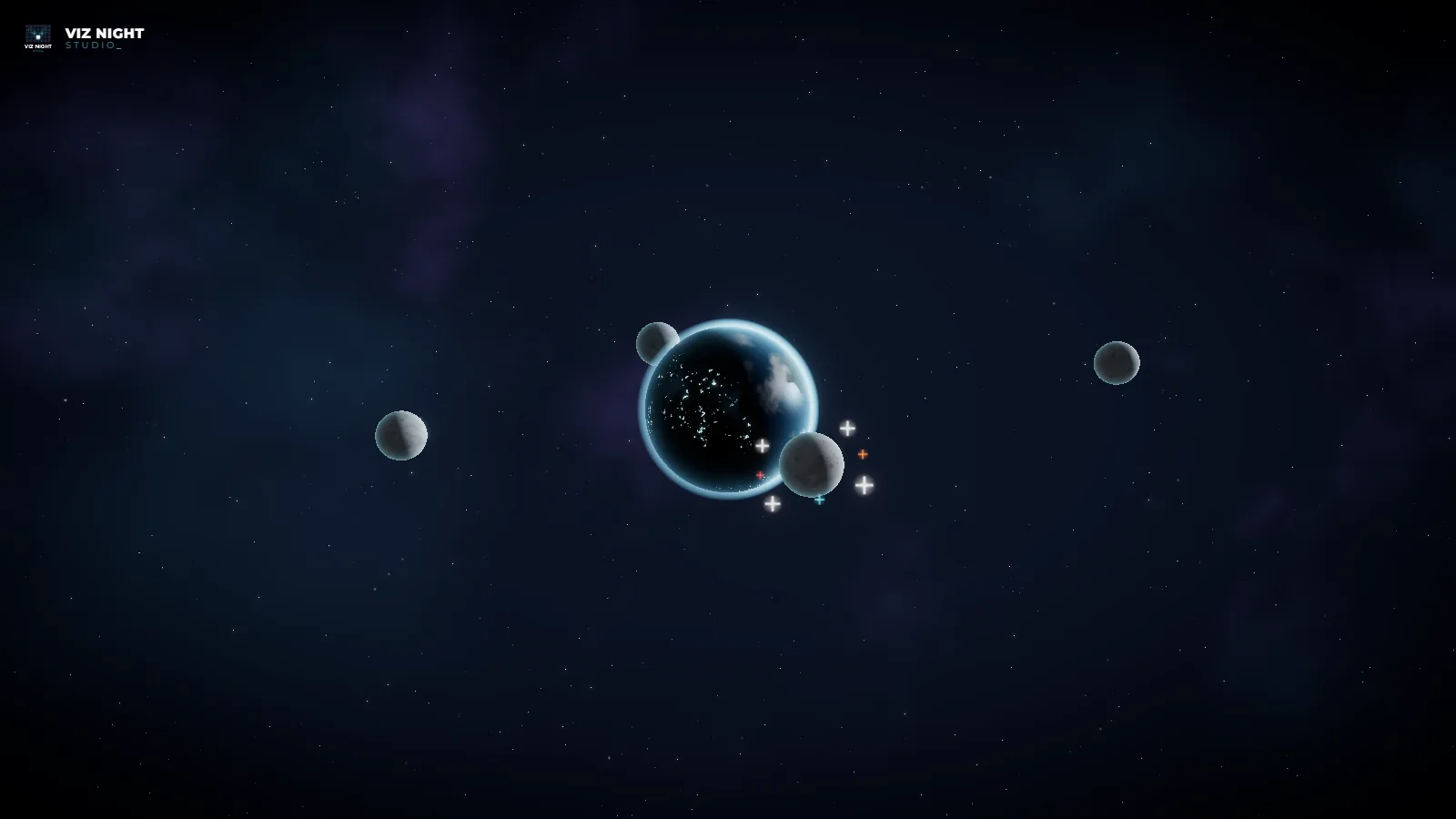
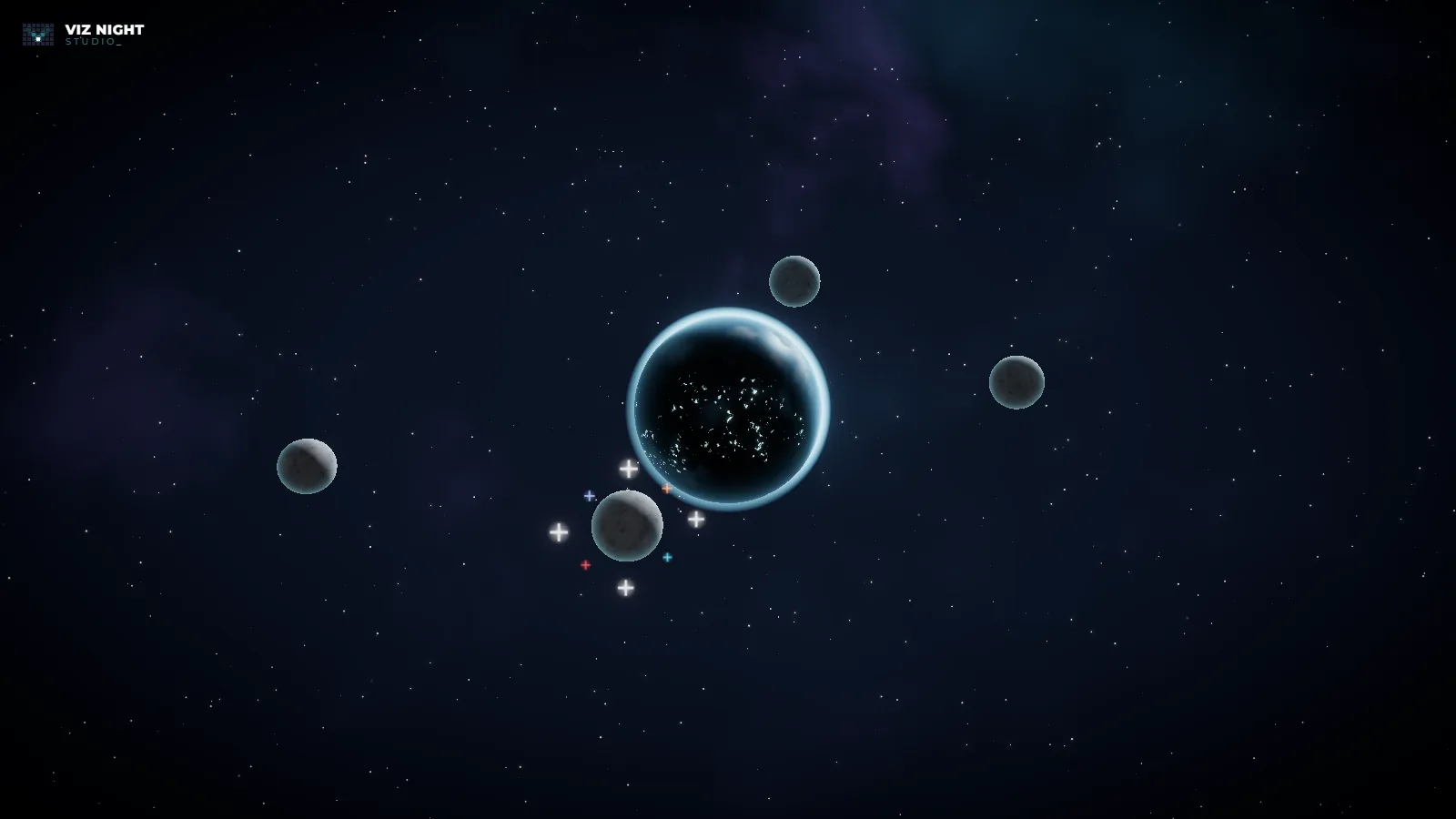
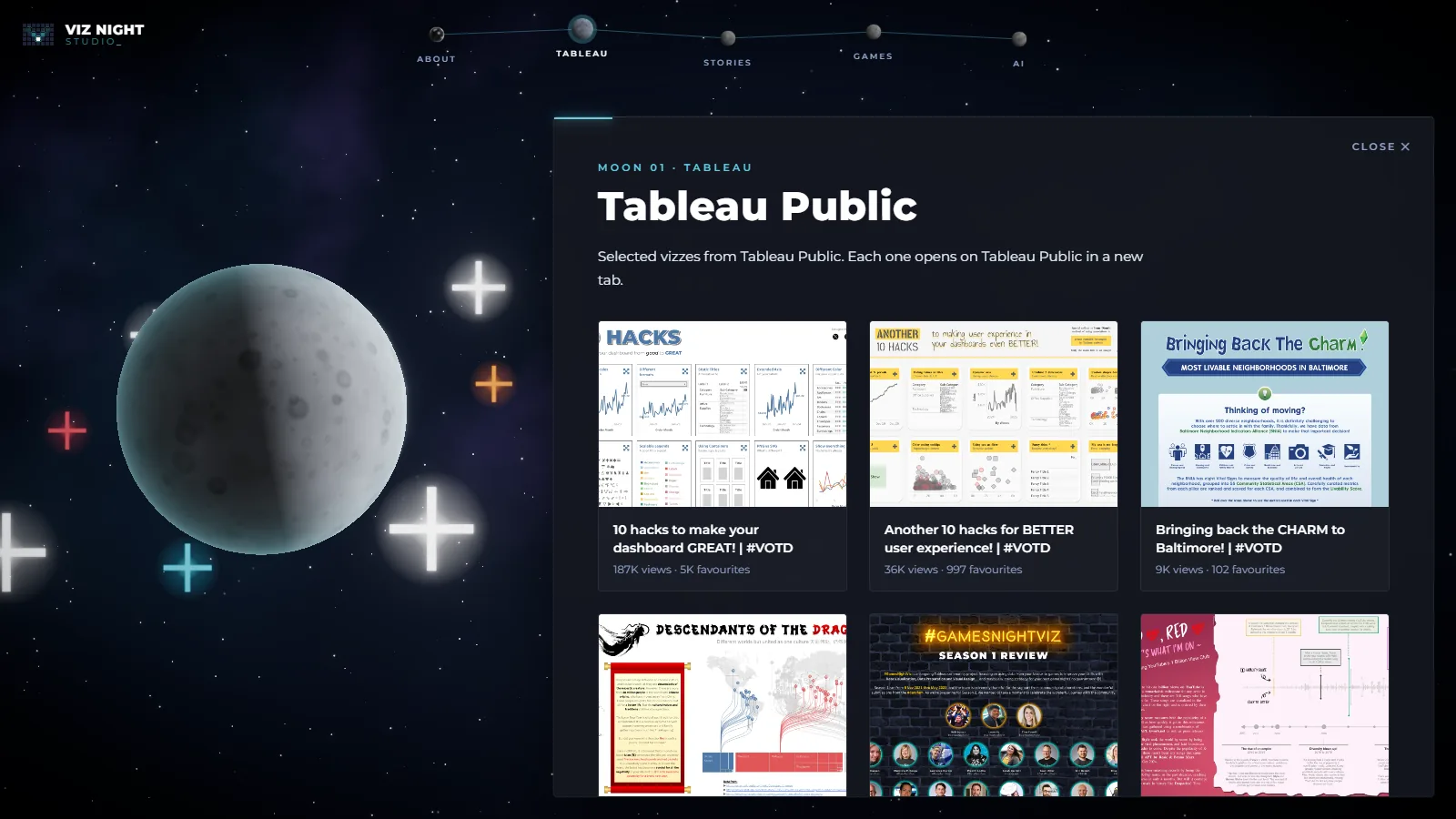
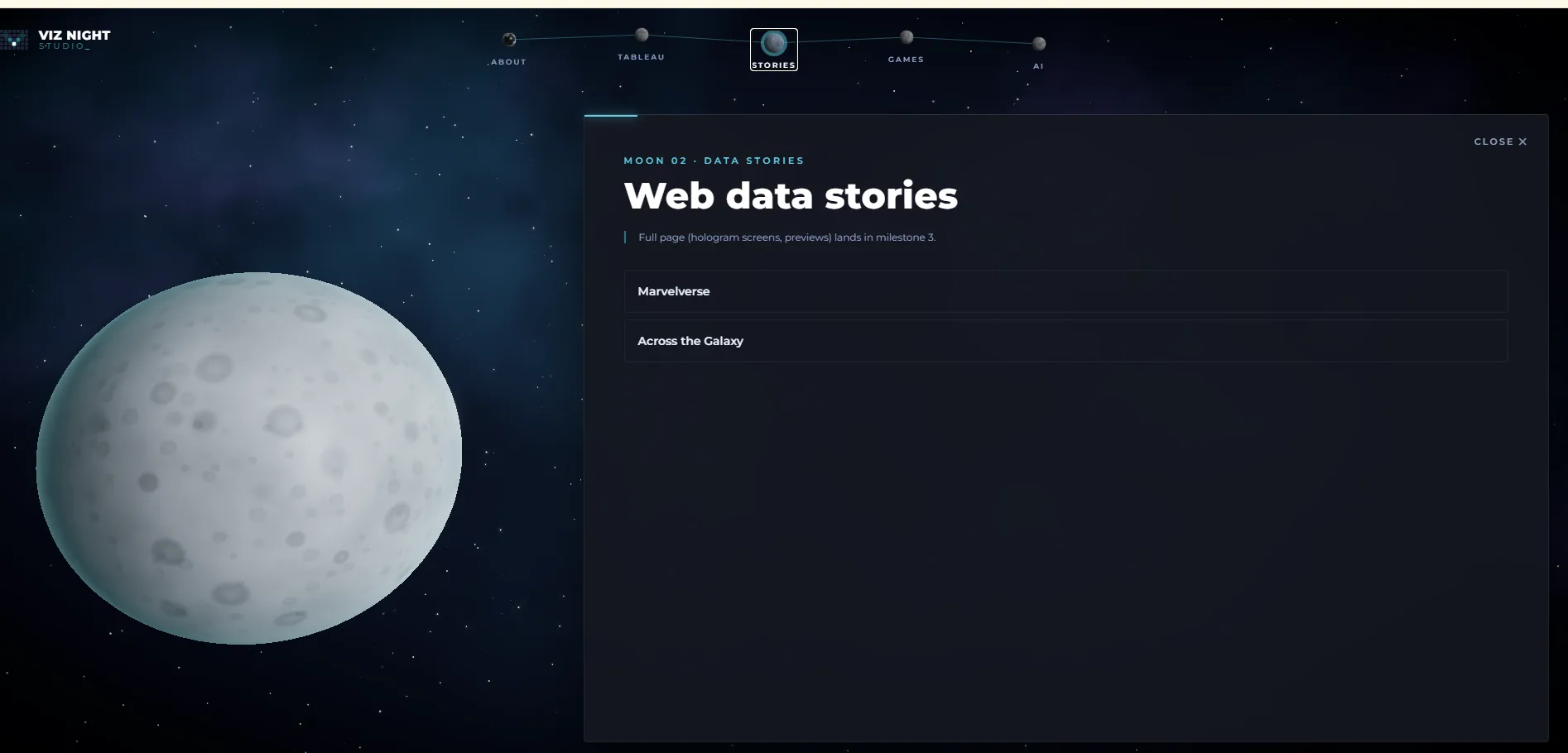
What was it like directing a 3D build through words and screenshots only?
It was hard directing 3D because of the perspective and orbits, so we had to look up different planes like 1-point, 2-point, 3-point, above and below eye level, etc. That gave us the terminology that Claude understands.
Plus, while the newer models do self-audit and test their code; you really do need to test and check yourself too. If we didn't, we wouldn't have picked up the unhoverable/unclickable errors. And because we pointed that out, Claude keeps it in context so it doesn't make the same mistake.
3. Concept art first, then only what the shaders can't do
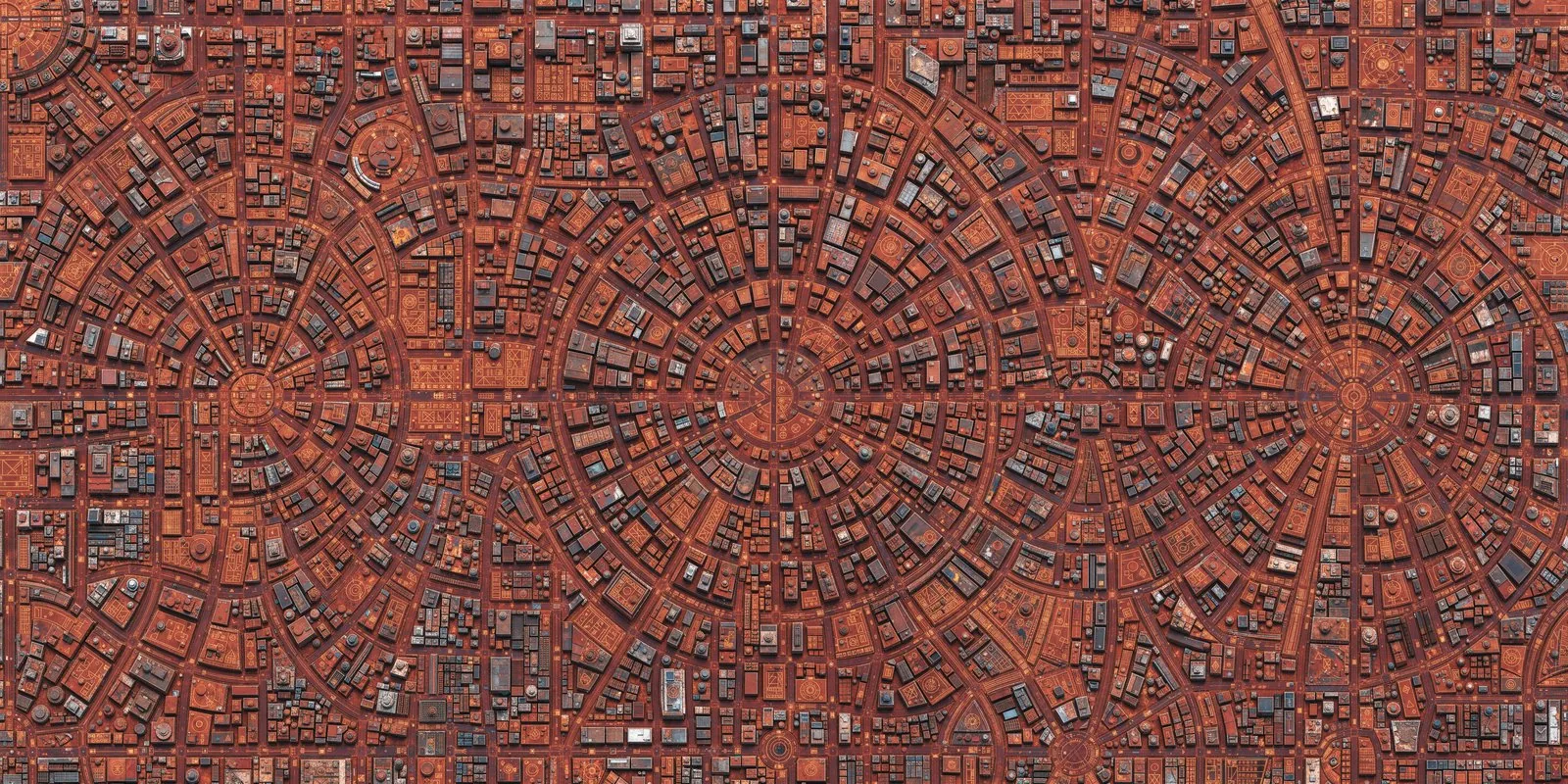
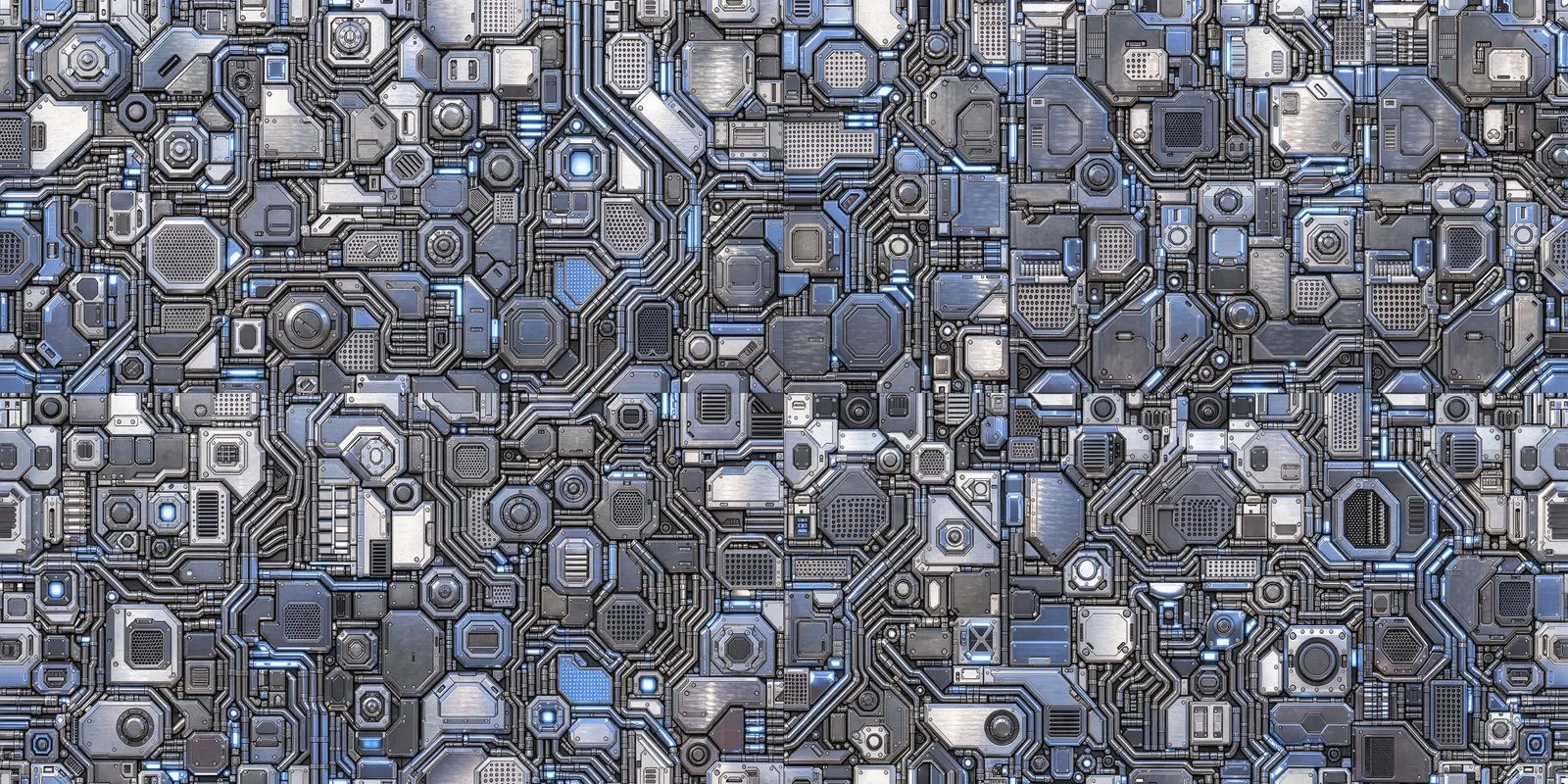
Eight concept frames (about 22 credits) locked the look before any texture was generated. Louis then picked moon by moon. Only two planet surfaces were generated; Earth and the Tableau moon use free NASA maps, and the Games hologram planet is pure shader. A texture script fixed the seams in the generated maps and extracted glow masks for the glyphs and nodes.
- Claude's decision: Free NASA Blue Marble, Black Marble and lunar maps for Earth and the Tableau moon instead of generating them.
- Claude's decision: Describe the references in words rather than feeding copyrighted film art into the generator.
- Prompt: Generated red hologram dashboards for Stories, over Claude's suggestion to use real viz screenshots.
- Prompt: Draw the bevelled panel frame in CSS/SVG instead of using the generated one, so it scales and animates.
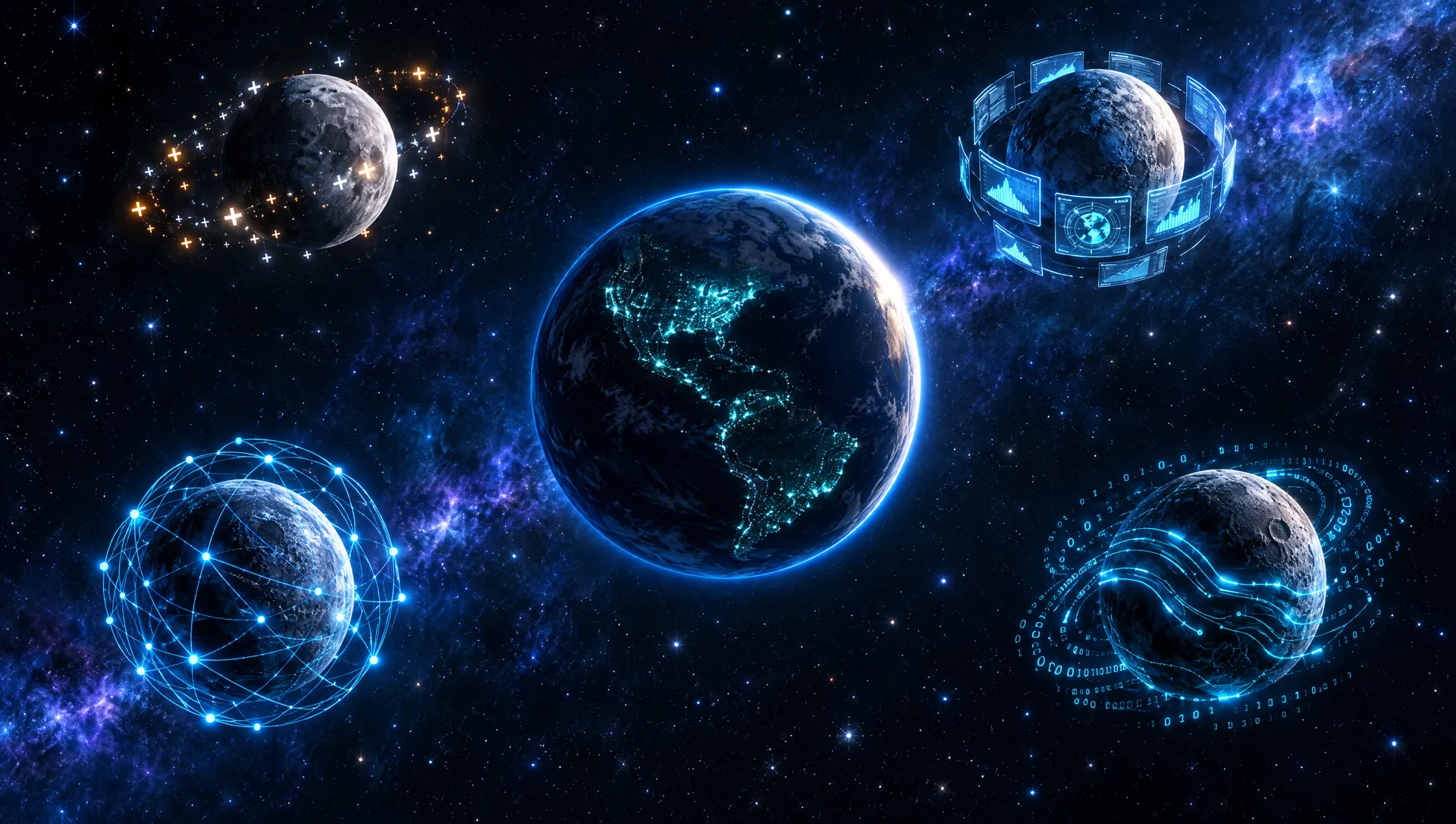
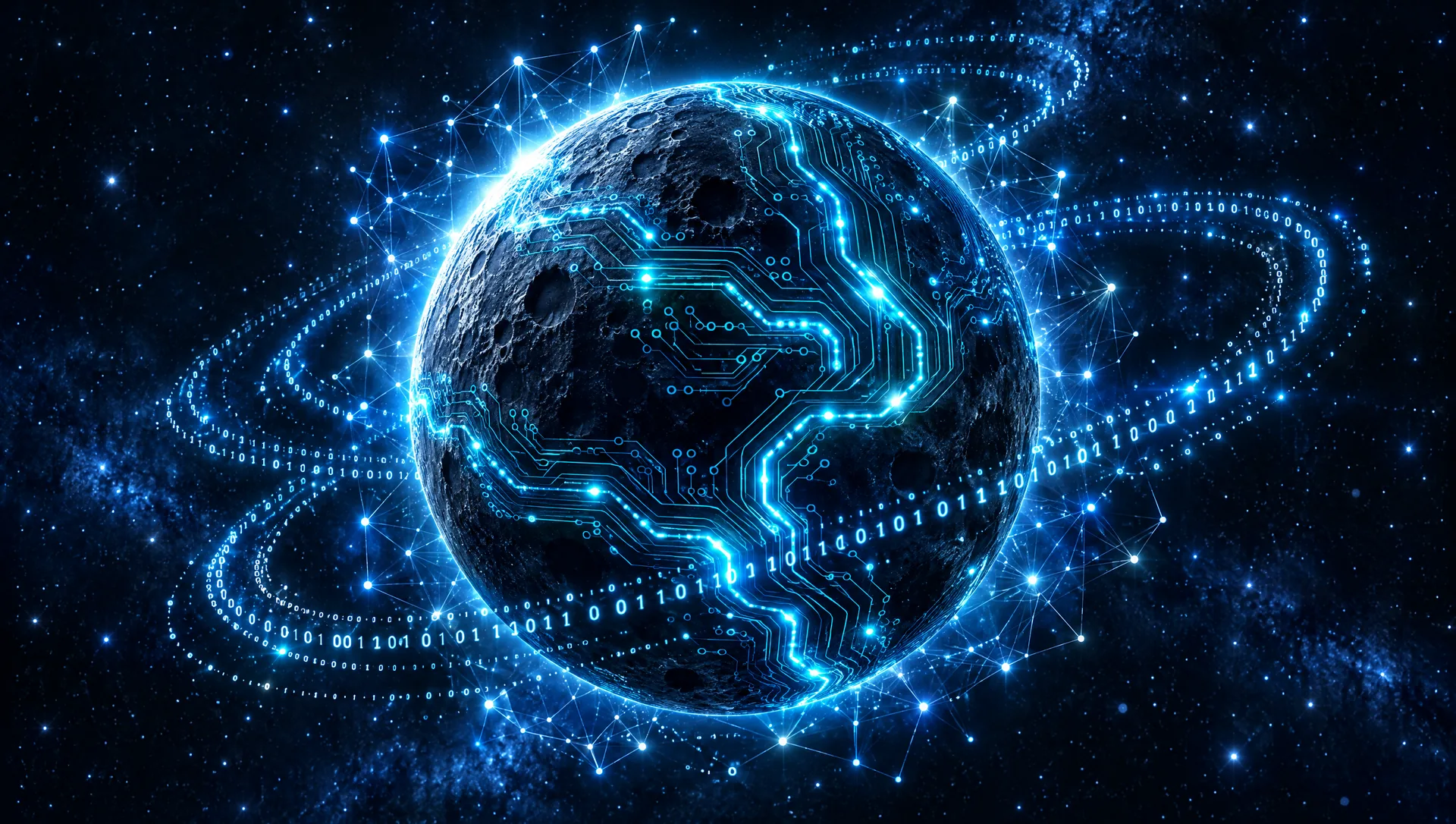
How did the concept frames change what you wanted?
Using Higgsfield to generate low resolution concept art helped to narrow down the design we were looking for. Don't make the costly mistake of going straight to full production, you'll waste a lot of generative AI credits - which is actually not that cheap to be honest.
4. Every moon gets a personality
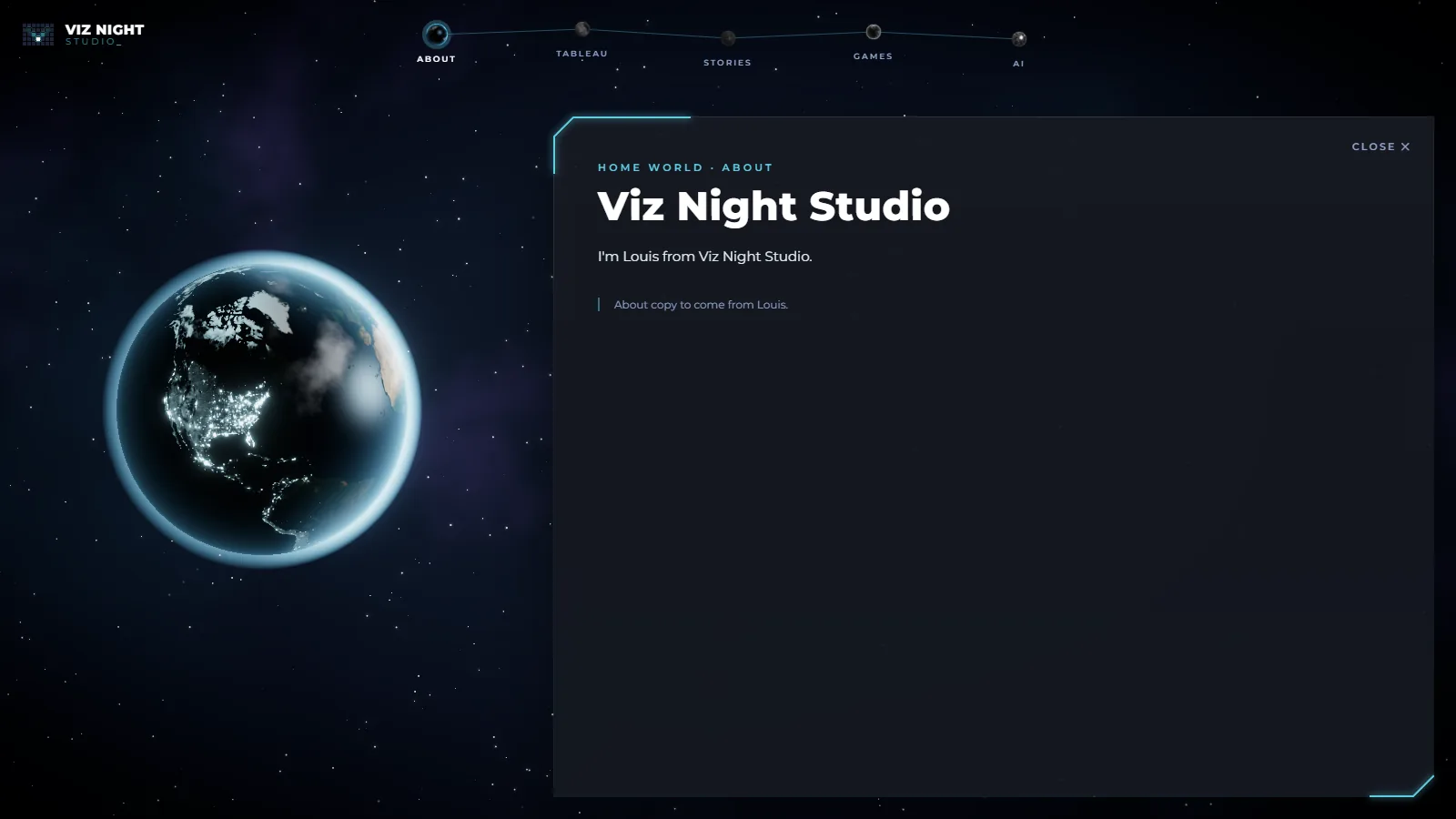
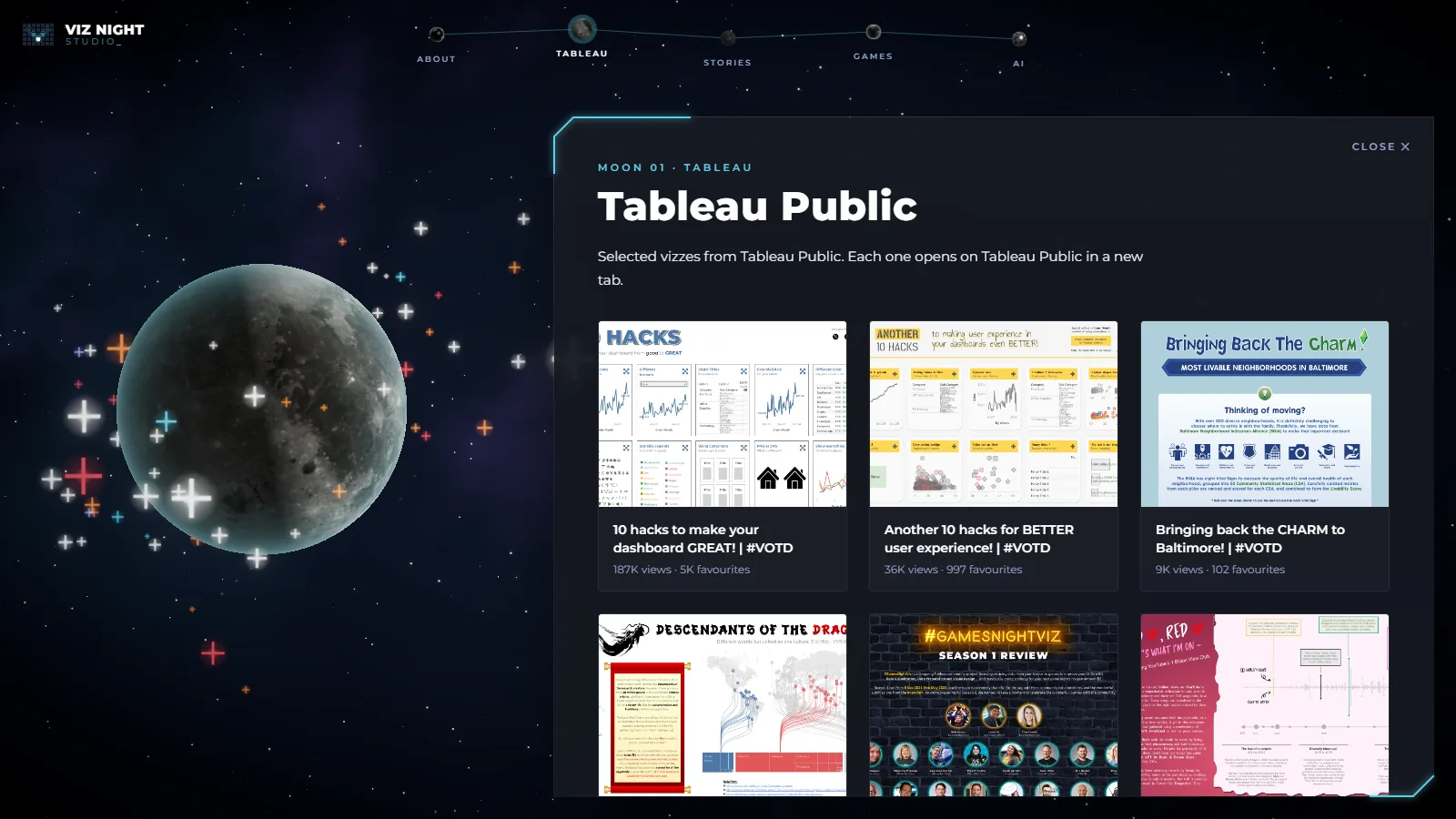
With real textures in, each page has its own world: a sparkle swarm, a red hologram ring, a see-through hologram planet and a chrome planet with pulsing nodes. Making the system bigger exposed a real bug: the orbits were closer together than the moons were wide, so moons could pass through each other. Claude ran a numerical search for orbit tilts that guarantee clearance while keeping every moon on screen.
- Prompt: Keep the page-view moon the same size, but centre it vertically against the panel.
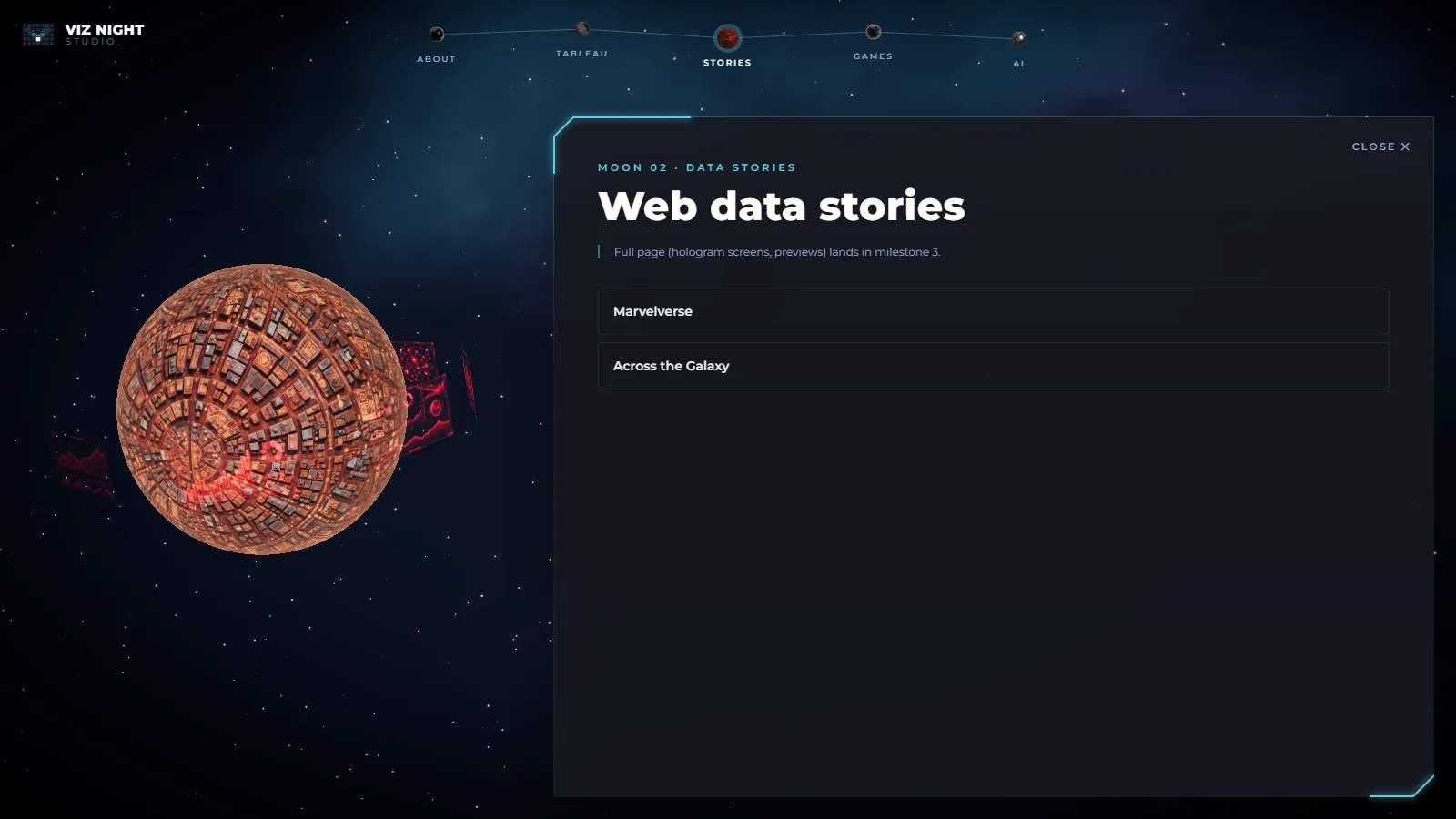
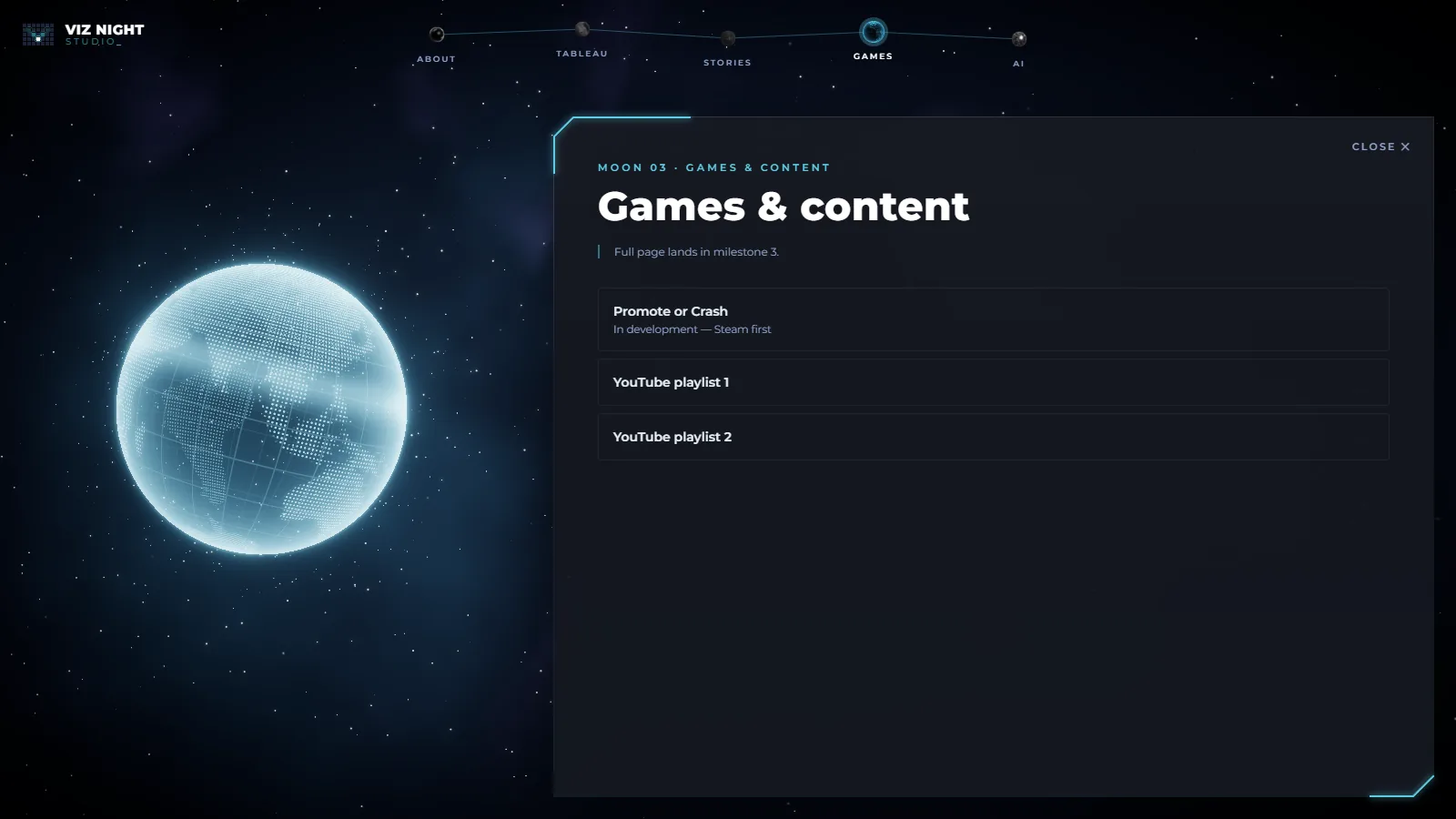
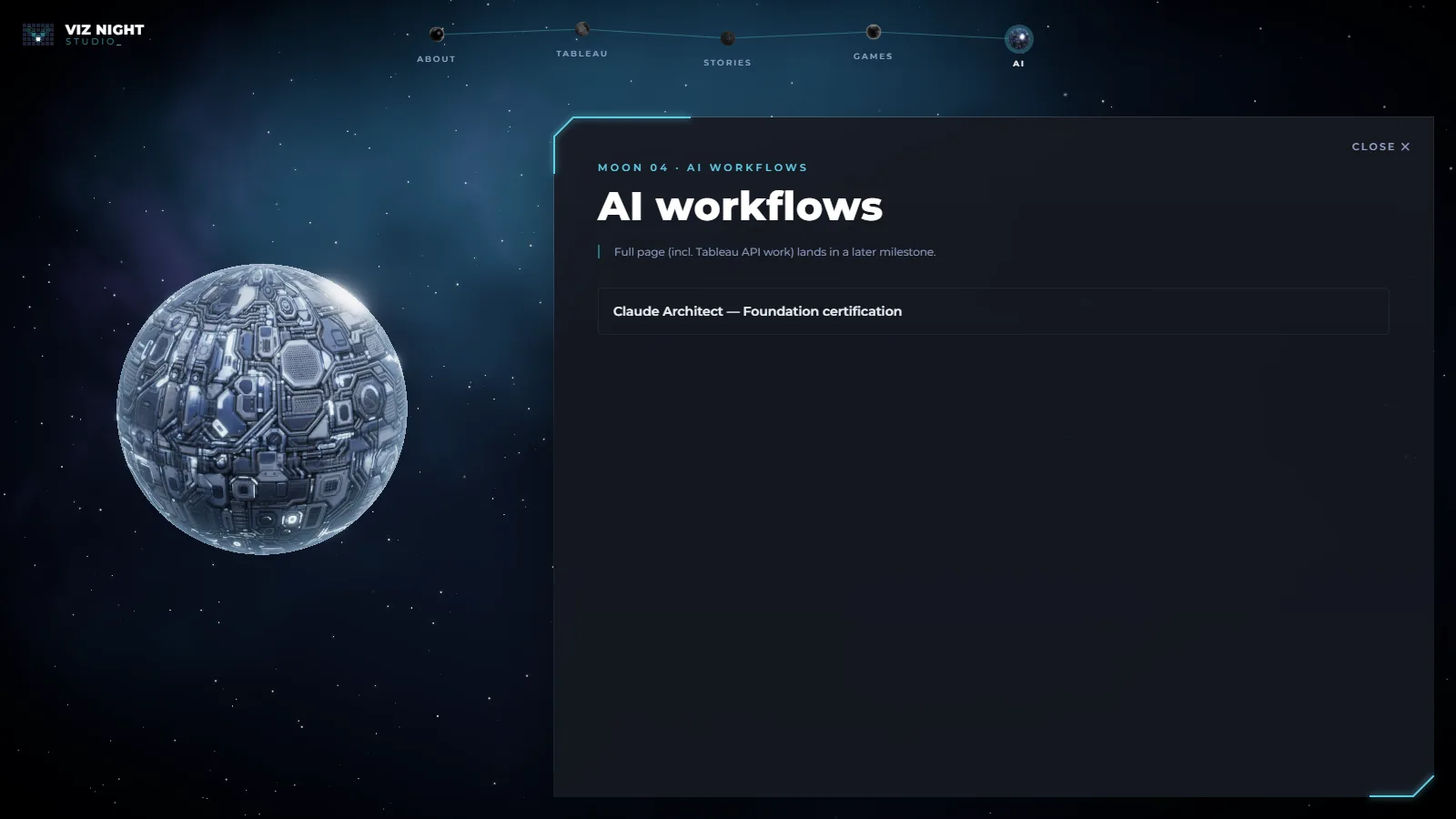
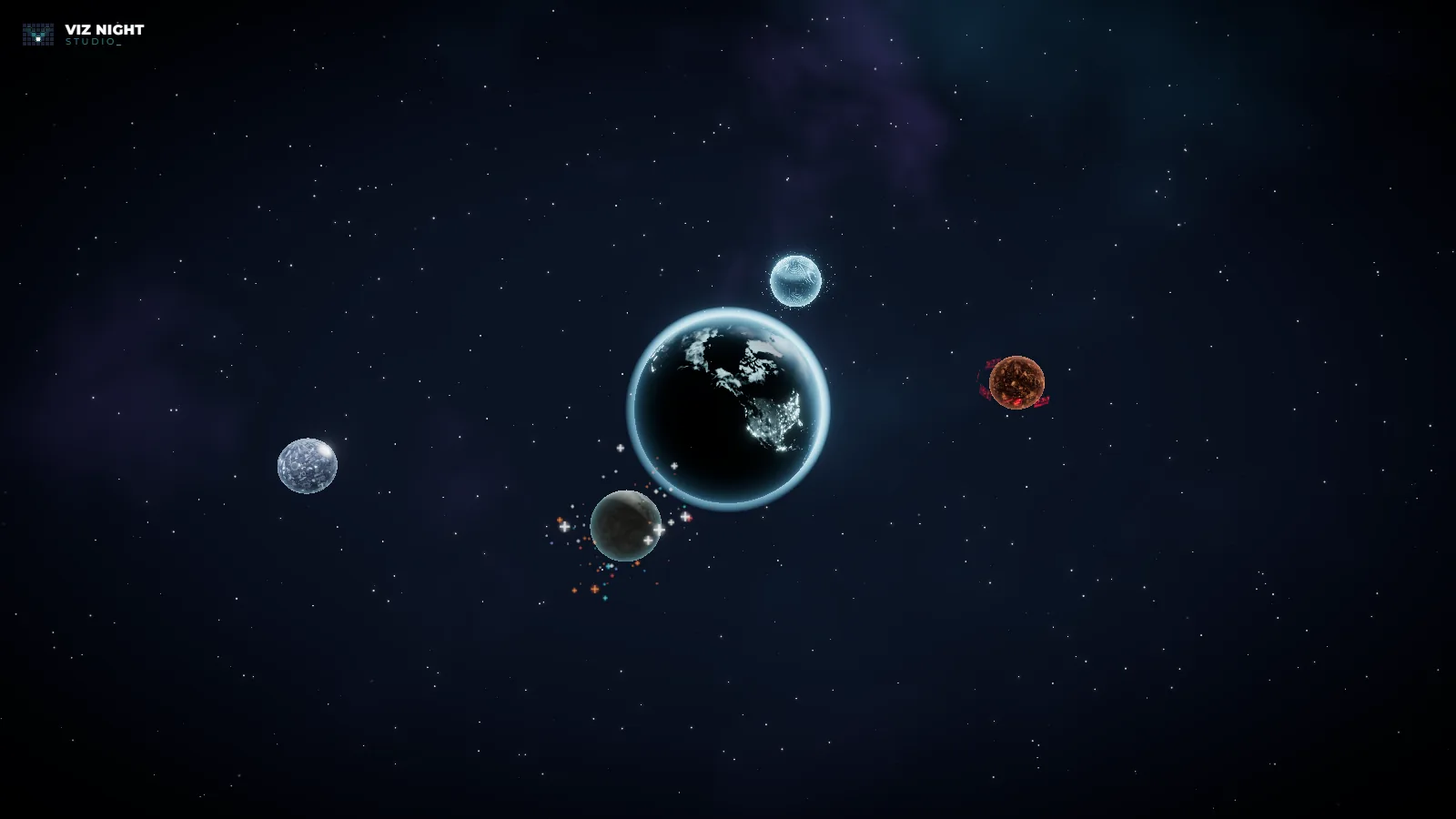
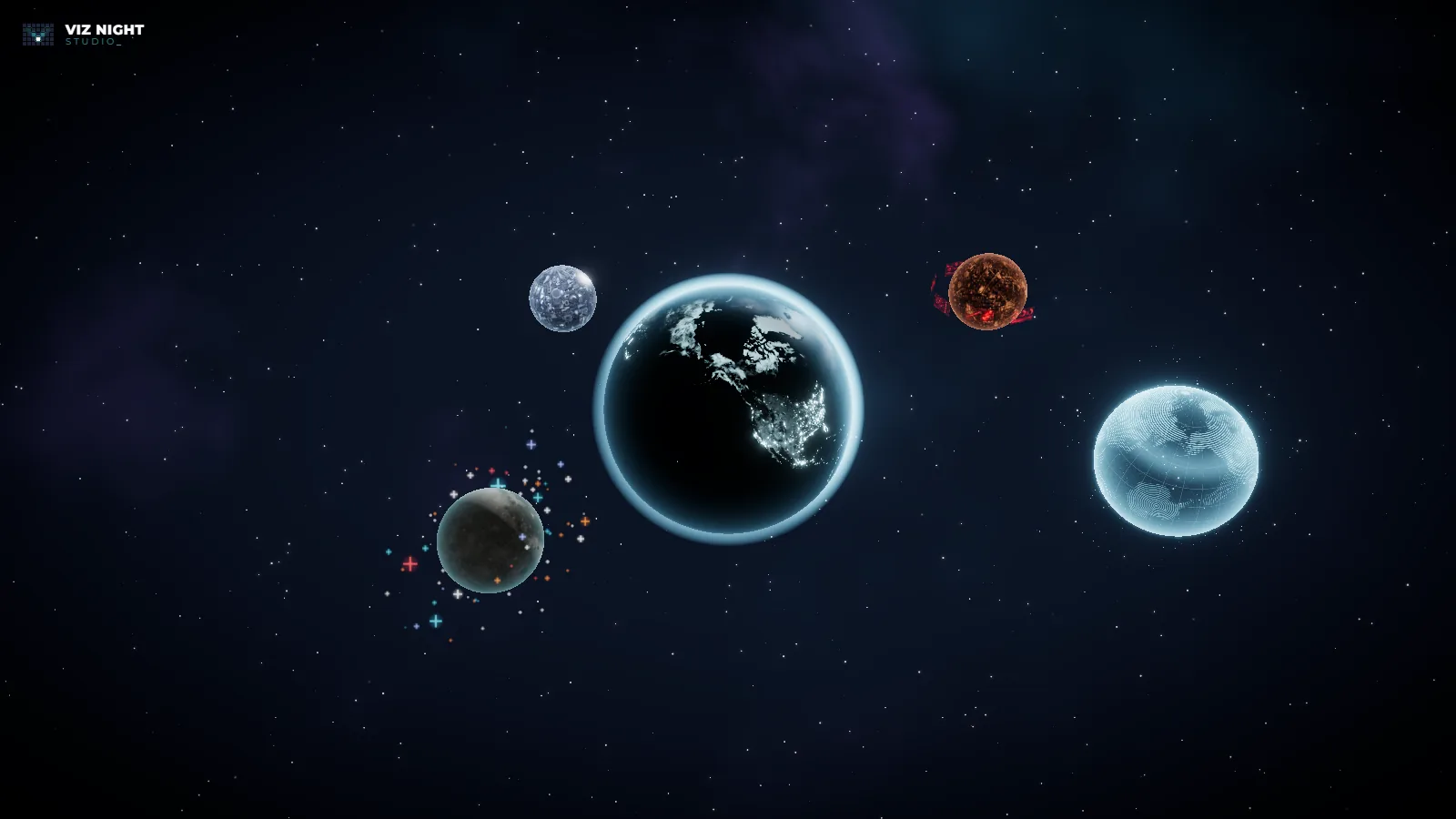
Which moon is your favourite, and why?
Maybe we're biased but we have a soft spot for the Tableau moon. We wanted to create a personality that is instantly recognizable, so the hovering sparkles orbiting around the planet was simply chef's kiss.
The rest of the moons were tapping into our accumulated video game knowledge from the past 30 years, to be able to pick something that fits - like Transformers' Cybertron and hologram planets.
5. Aura, atmosphere and the sky
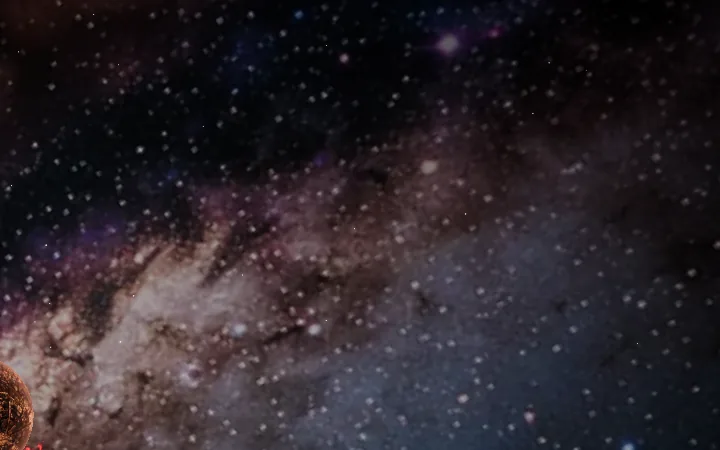
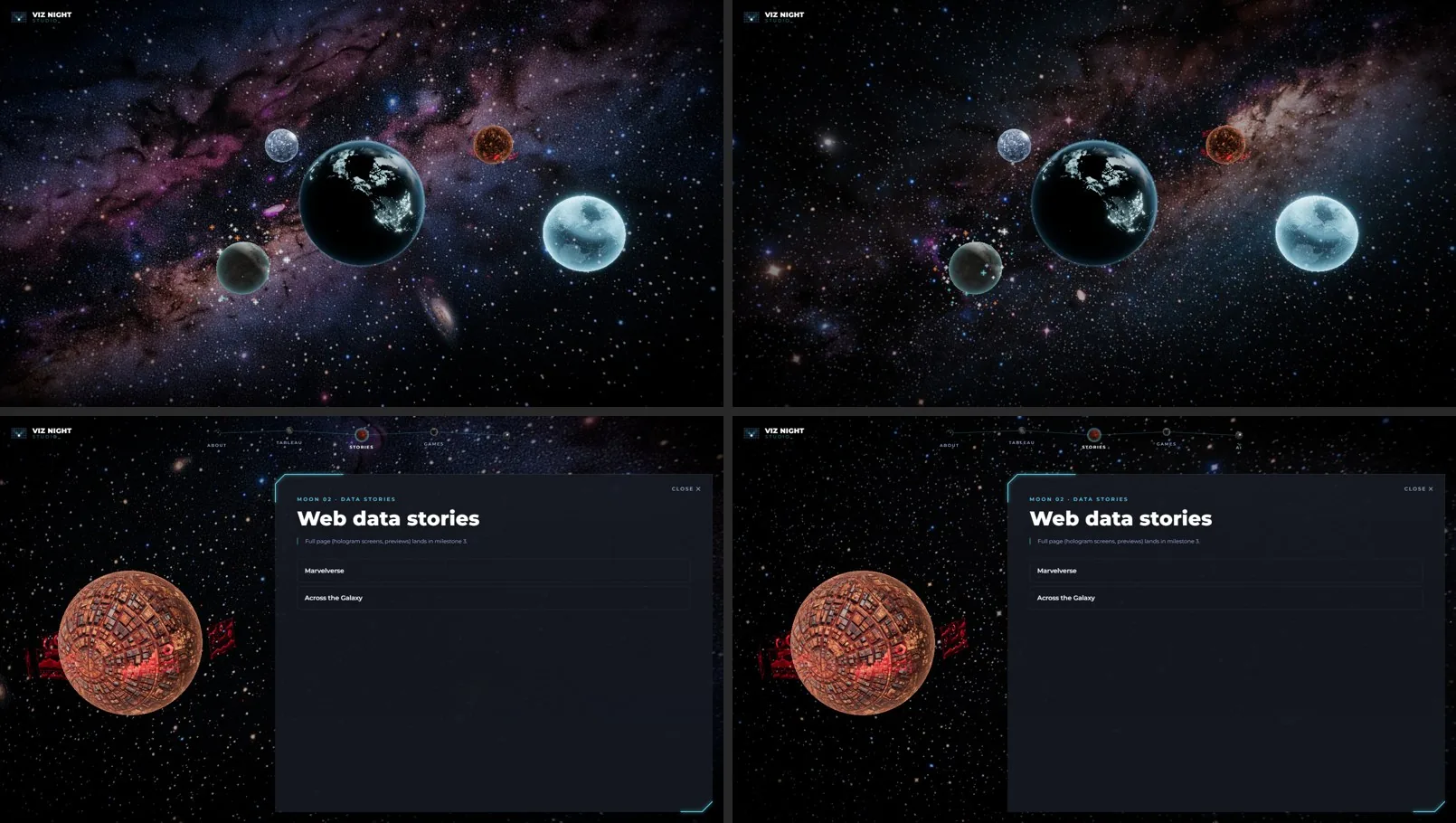
Each body got a hover aura coloured from its own palette. The skybox was generated in two variants, and Louis picked the darker one so the planets stay legible. The first version looked grainy because the panorama is magnified two to three times on screen, so its baked-in stars turned into blocky dots. The fix: strip the stars from the image and draw crisp stars in code.
- Claude's decision: Don't generate the black hole, star or wormhole (they're interactive); bend the shared skybox around the black hole so landing and home live in one galaxy.
- Prompt: Skybox variant B (darker, teal wisps) over A (violet-pink).
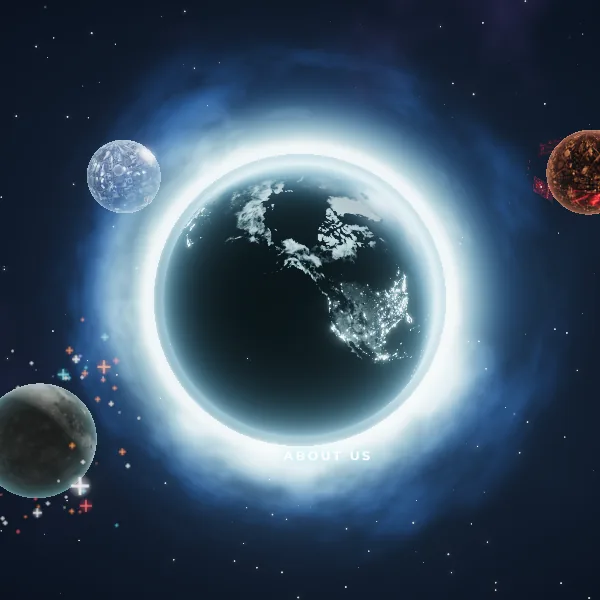
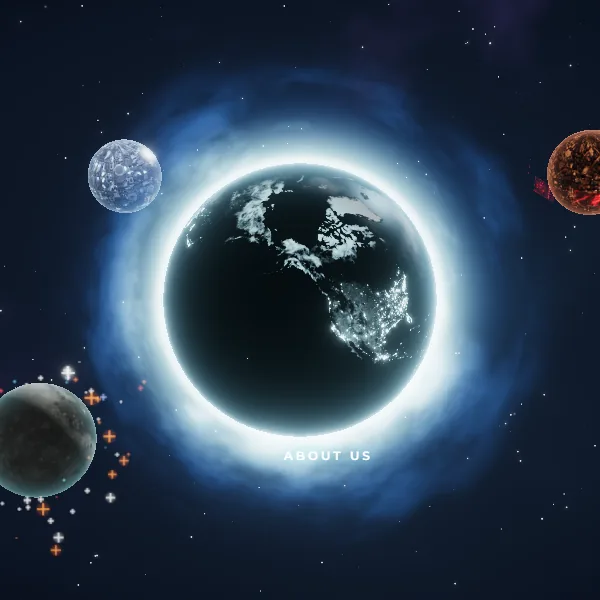
What did 'consistent design' mean to you across the landing and the home view?
The nebula and galaxies didn't take too long but we really wanted it to be subtle and not too overpowering. Because at the end of the day, the main stuff are the planets not the background. That's basically data visualization 101.
6. Eleven iterations of being sucked into a black hole
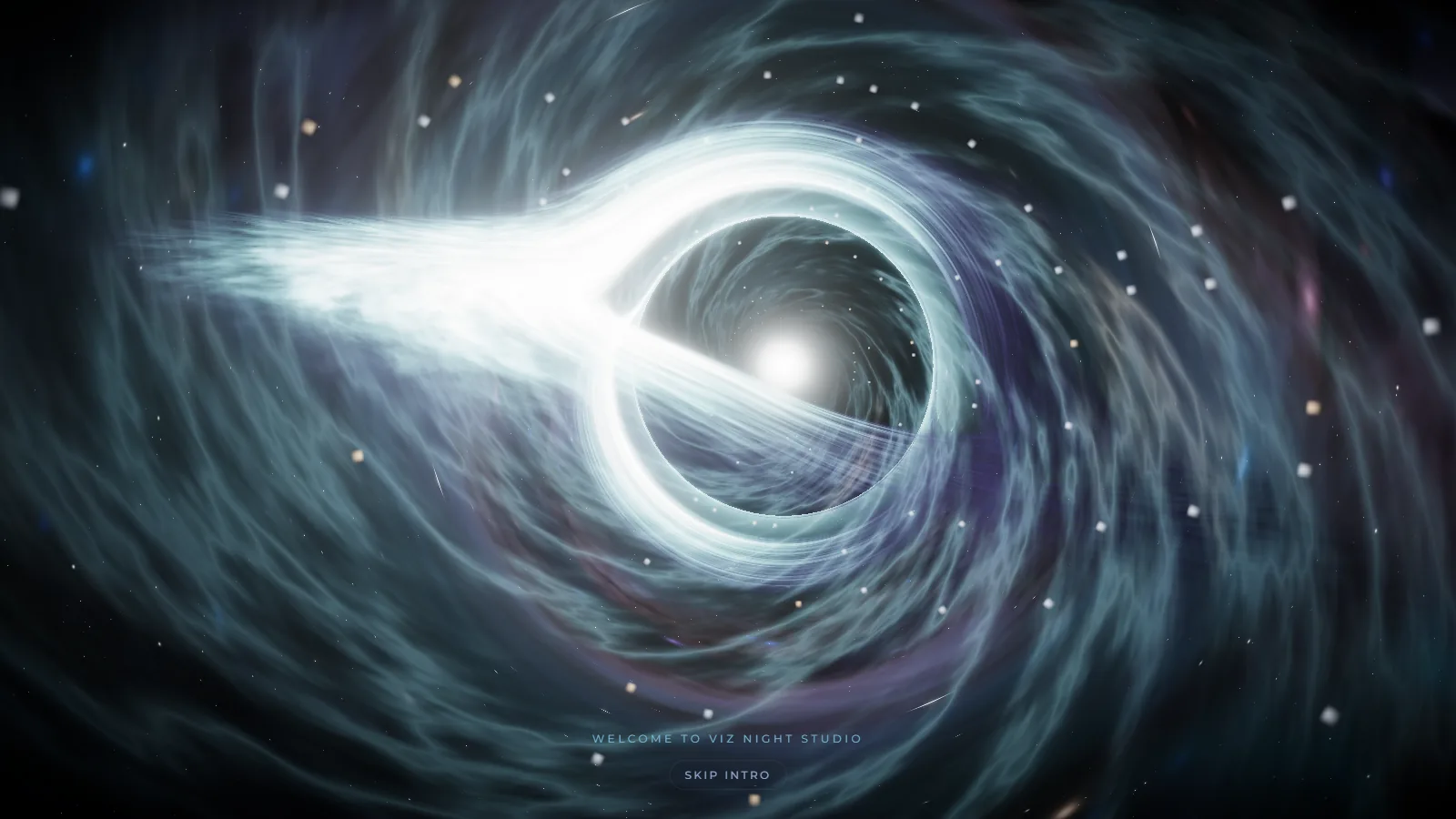
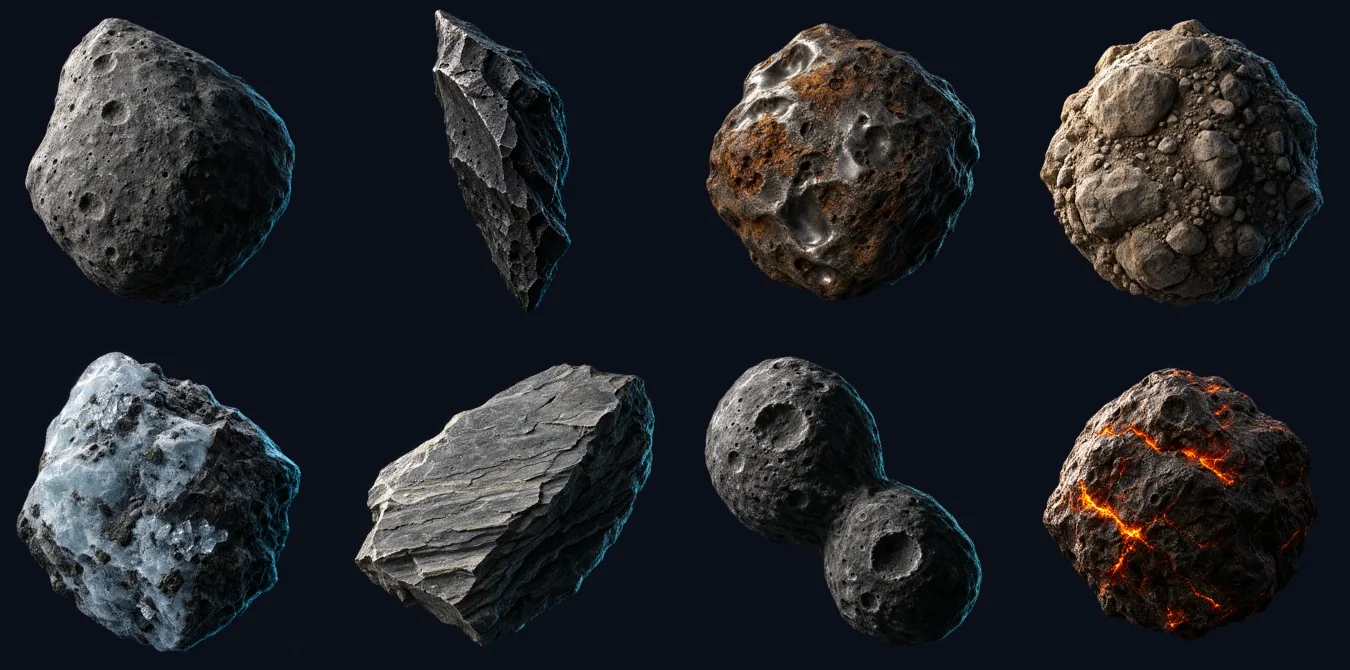
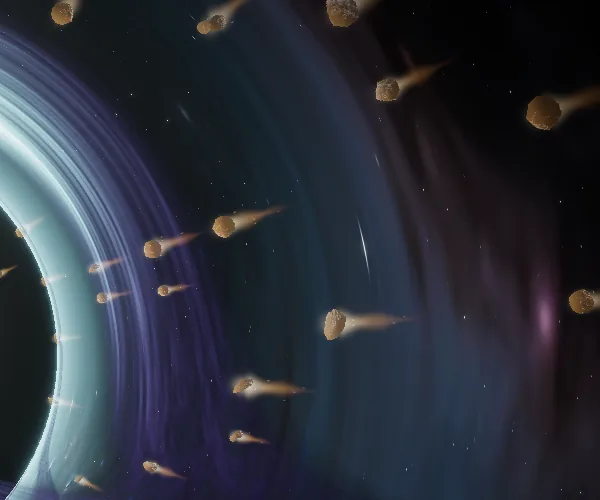
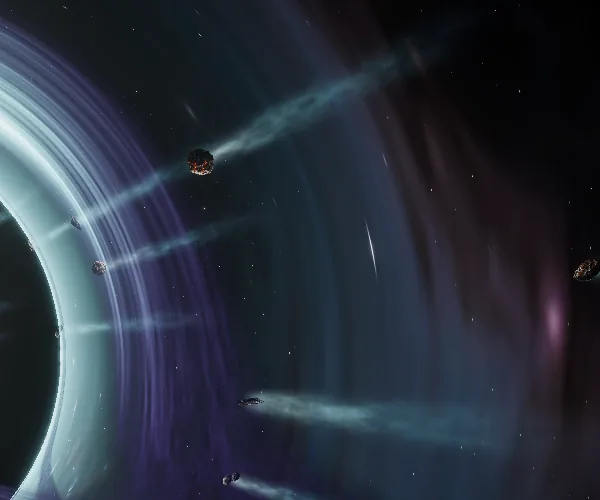
The landing's click went through the most iterations in the project. Spiral winds and plasma were added, toned down, then cut for cognitive load. Debris went from light streaks to Higgsfield asteroid sprites (about 12 credits), then burning comets, then cyan smoke trails, and finally a plain asteroid belt that drifts in from beyond the screen edges and drains when you let go. Every step was checked at 60 fps, frame by frame.
- Human's override: Spiral solar winds and plasma filaments: too busy, and they covered the black hole.
- Human's override: Fire-trail comets, then smoke tails: 'too unnatural'. An asteroid belt read better.
- Human's override: Asteroid jitter, and restarting the belt on every hover.
- Claude's decision: Make inward speed proportional to 1/r, so rocks crawl at the edges and race near the centre.
Why did the simpler version win? What did each cut teach you?
This probably took the longest because we didn't have a good idea on how we wanted to transition from the black hole to the galaxy. We only knew we wanted some form of interstellar travel. We spent a good hour, looking at pictures and videos of galaxies, space travel and black holes to finally reach the conclusion that it all depends on gravity.
Black holes have powerful gravitational pull so we had to show that force in play. There were a couple of iterations involving solar winds, plasma, shooting stars and more - but again the main focus was the black hole and the force.
So we iterated around imitating that force through screen shakes, debris flying from all angles, at different speeds and rotations. And messing with the types of animations we wanted.
What it cost
What the build cost, measured from the session transcript and the Higgsfield balance.
- Claude (Opus 5.5): ≈ $77. 0.52M output tokens, 3.0M cache writes, 215M cache reads. API-equivalent pricing ($20 / $8 / $0.20 per million); on a Claude subscription, the actual spend is the plan price.
- Higgsfield: 170 credits. About 120 for 8 concept frames, 4 planet surfaces and 8 hologram panels, 38 for two skybox variants, and 12 for 8 asteroid sprites. Earth and the Tableau moon use free NASA imagery.
- Time: ≈ 5.5 h active. 37 prompts across two days (about 16 hours from first to last message); idle gaps over 20 minutes aren't counted.
Looking back: what surprised you, what would you do differently, and was it worth it?
Looking back, the first prompt really did get us to 80% of the way. So apart from building this awesome piece of work, we learnt so much about stars, black holes, galaxies and how they all work together. The greatest reward is learning how to communicate what we want, because that's THE crucial skill you'll need... in this AI world we live in now.